


Question:
What is the Observer Service option in Storage Robot?
Answer:
The Observer Service actively runs Storage Robot configurations specifically configured to use this service.
To start, you will need to first install the service by conducting the following steps:
-
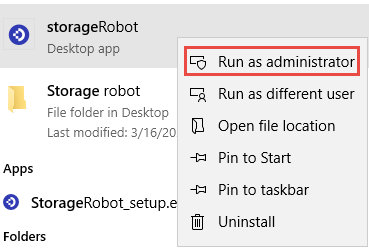
Open Storage Robot by right clicking the application and selecting Run as Administrator.
-
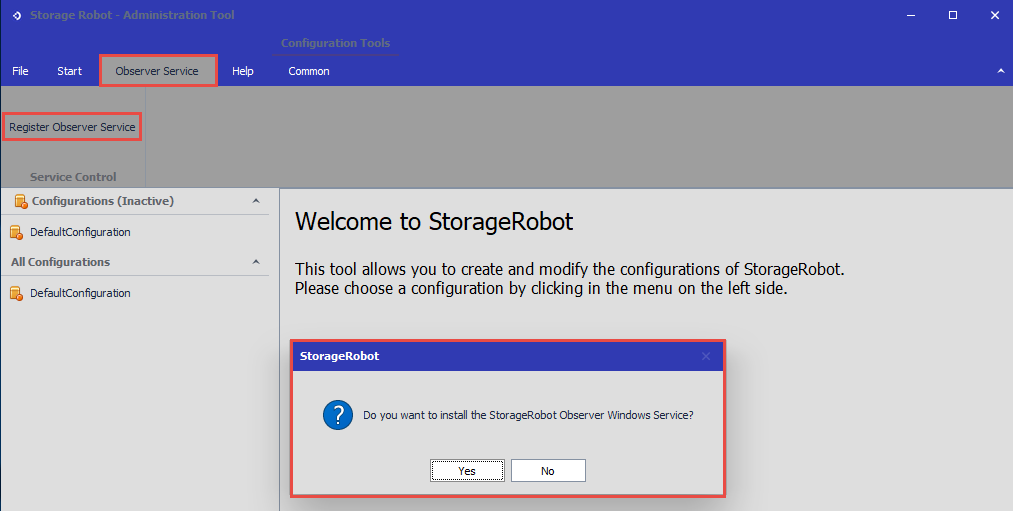
Go to the Observer Service section, then press Register Observer Service to install the service.
-
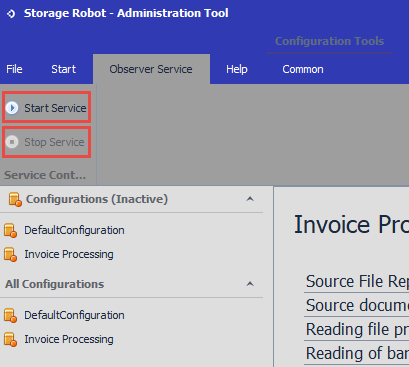
Once installed, you will have the options of either starting or stopping the service.
-
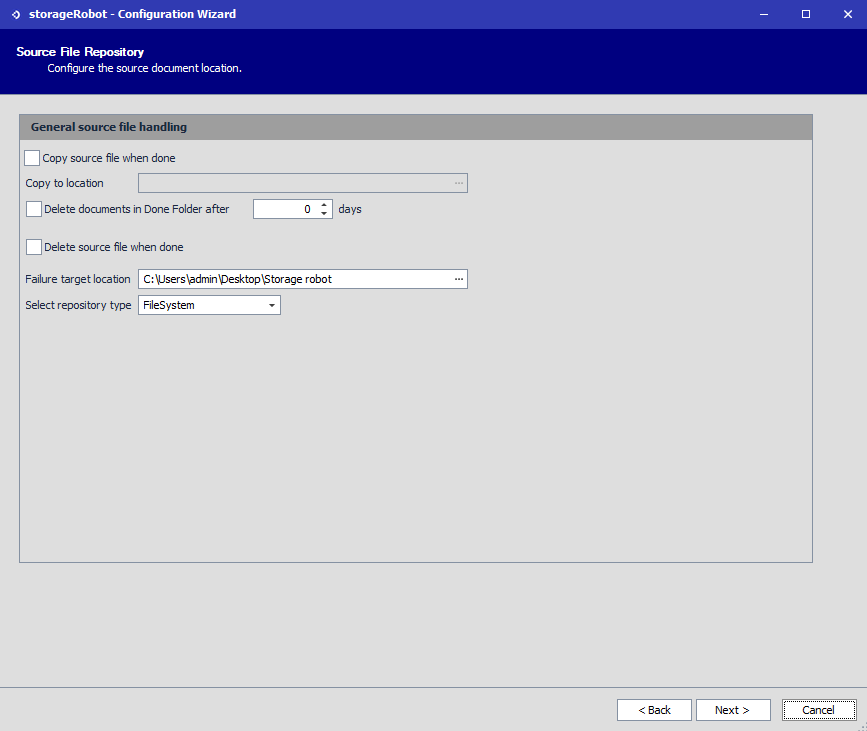
With the service installed, access the configuration you wish to have run with this service, then select Edit in order to specify the Document location.
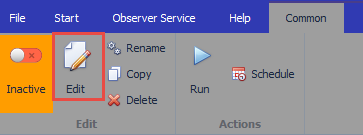
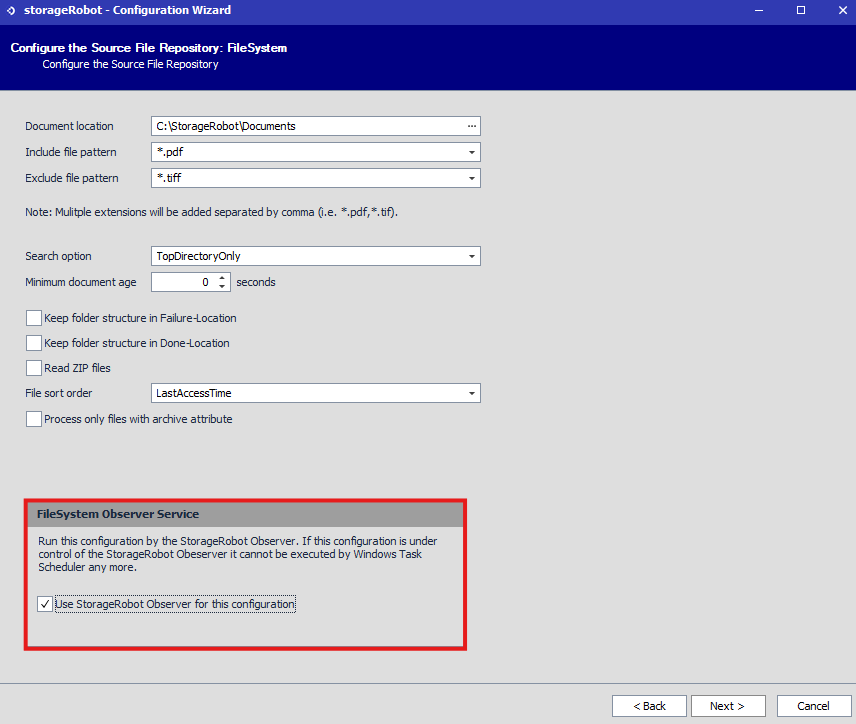
There will be a prompt towards the bottom named FileSystem Observer Service. Click the checkbox to enable this configuration used by the service.
-
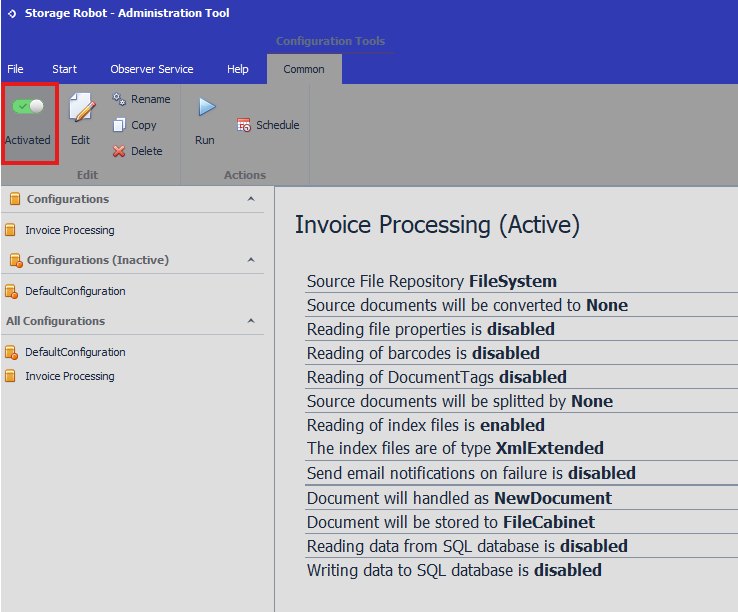
Save your changes, then ensure the configuration is marked as Active, and the Observer Service is started. Files dropped into the monitored folder will then be processed promptly.
Some additional notes about the Observer Service:
-
When needing to install the Observer Service, you need to have opened Storage Robot by right-clicking Run as Administrator.
-
Use of the Observer Service can only be used with configurations where the repository type is FileSystem, FTP, DocuWareWebBasket, and MetadataFiles cannot be used.
-
Using the Observer Service for a configuration means that a scheduled task in Task Scheduler should not be set up to avoid conflict.
KBA applicable for both Cloud and On-premise Organizations.