


Behavior:
When confirming a workflow task, a spinning circle appears and nothing happens until the web page is refreshed.
Solution:
This behavior commonly occurs when a time desync between a user's machine and our servers is present.
We must sync the time to address this, as just a few seconds delay can result in this behavior.
To resolve the issue, go into your Windows "Date & Time" settings and choose the "Sync now" option to synchronize your clock to the correct local time:
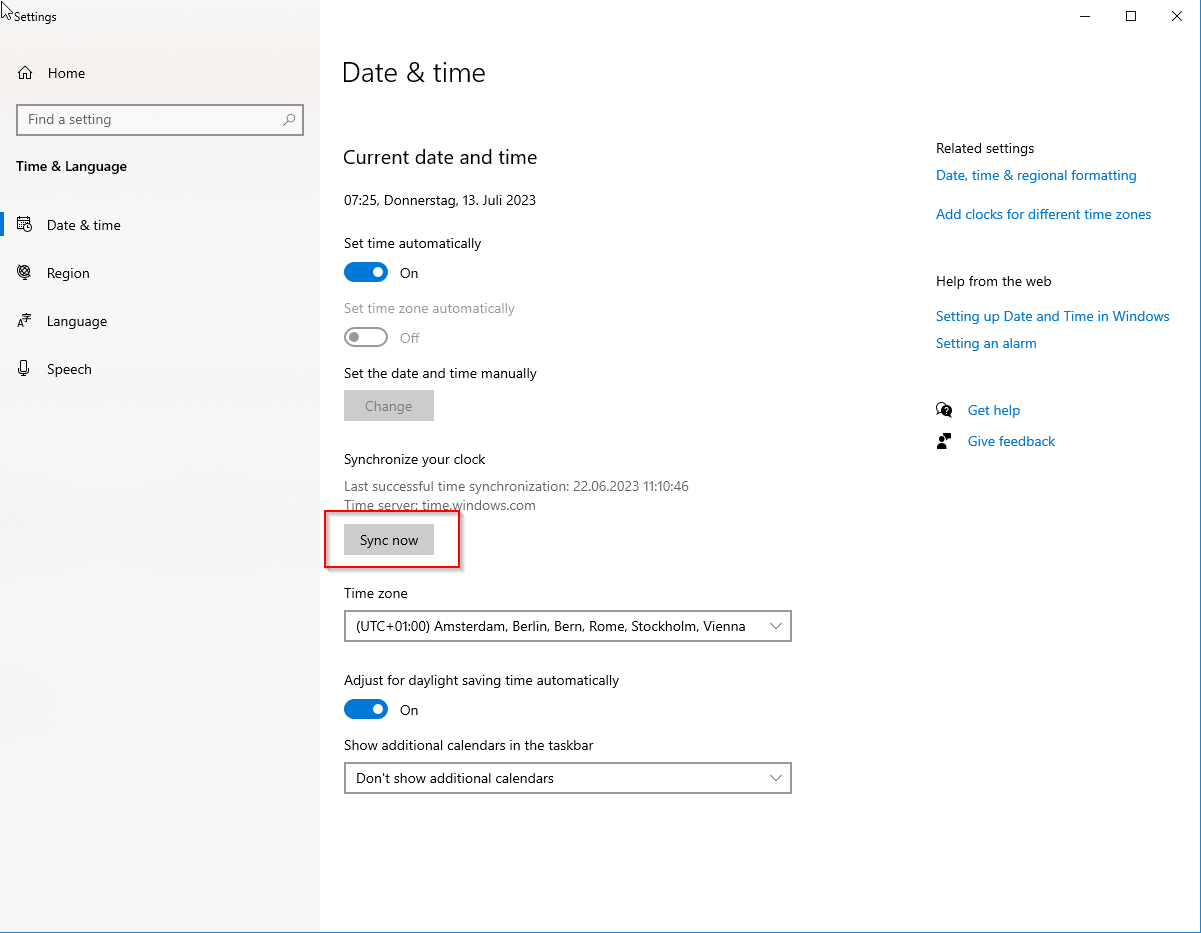
Refresh your browser and try confirming the workflow task again.
This is applicable for Cloud Organizations ONLY.