


Behavior:
In the Web Client you can change the view for document trays and file cabinets to index cards view.
This view shows the thumbnail of the document next to the first 5 index entries. The shown index entries are not relevant for the user.
Is it possible to modify the order?
Solution:
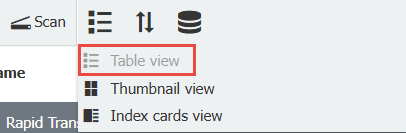
Yes. First, switch to Table view. You can change the view using the dropdown next to Scan:
Change the column order as desired with the mouse by drag and drop .
Now switch back to the index cards view. The changes are applied directly. A restart of the Web Client is not needed.
Behavior:
In the Web Client you can change the view for document trays and file cabinets to index cards view.
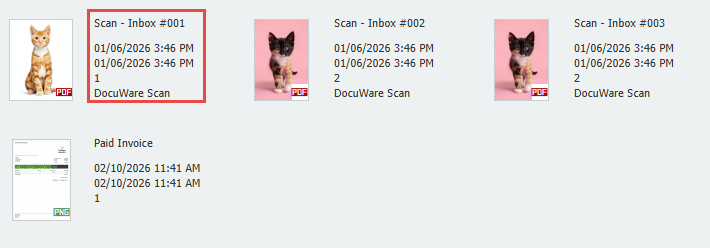
This view shows the thumbnail of the document next to the first 5 index entries. The shown index entries are not relevant for the user.
Is it possible to modify the order?
Solution:
Yes. First, switch to Table view. You can change the view using the dropdown next to Scan:
Change the column order as desired by dragging them coloums into your desired order.
Before:
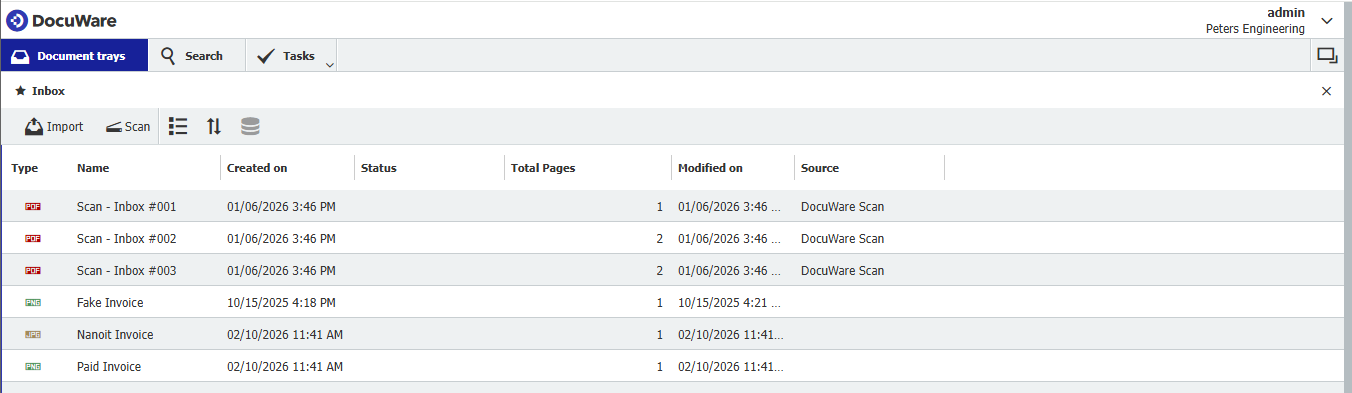
After:
Now switch back to the index cards view.
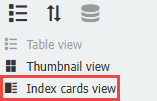
You can now see the order you moved the coloums into is reflected in the document's Index card view.
KBA applicable for both Cloud and On-premise Organizations.