


Question:
How do I update the password of an account running a workflow?
Answer:
In order to update the password, please complete the following;
How do I update the password of an account running a workflow?
Answer:
In order to update the password, please complete the following;
- Open DocuWare Workflow Designer tool as a DocuWare user with access to the Workflow.
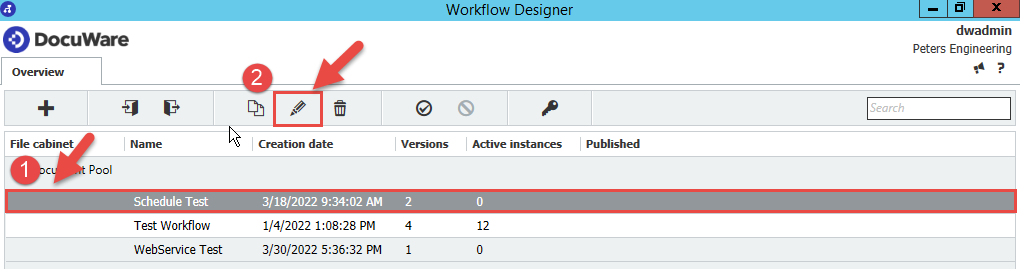
- Select the Workflow whose password you want to update, then press the pencil
 icon.
icon.
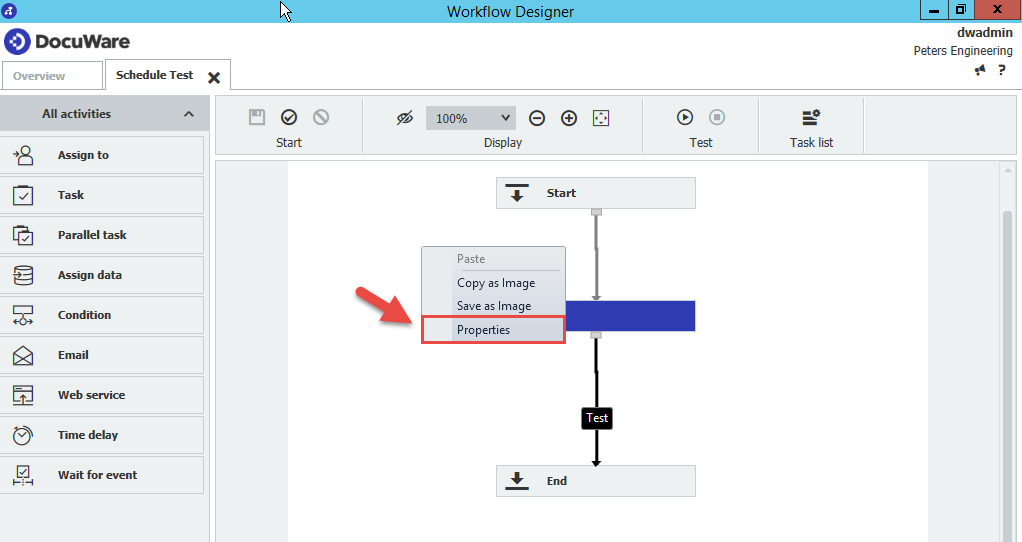
- From the designer, right-click over an area of white space, then select "Properties"
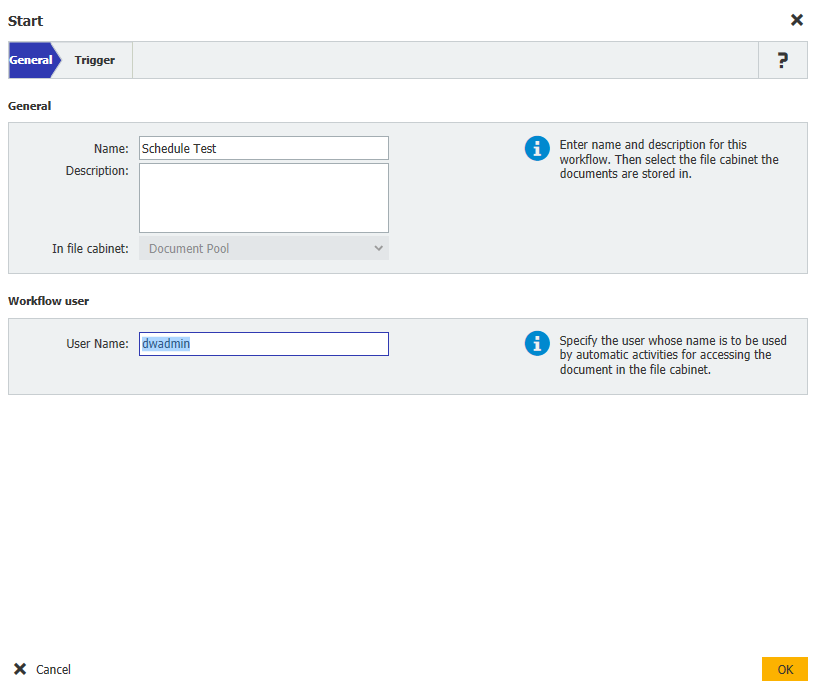
- Clear the "User Name" box, then press OK.
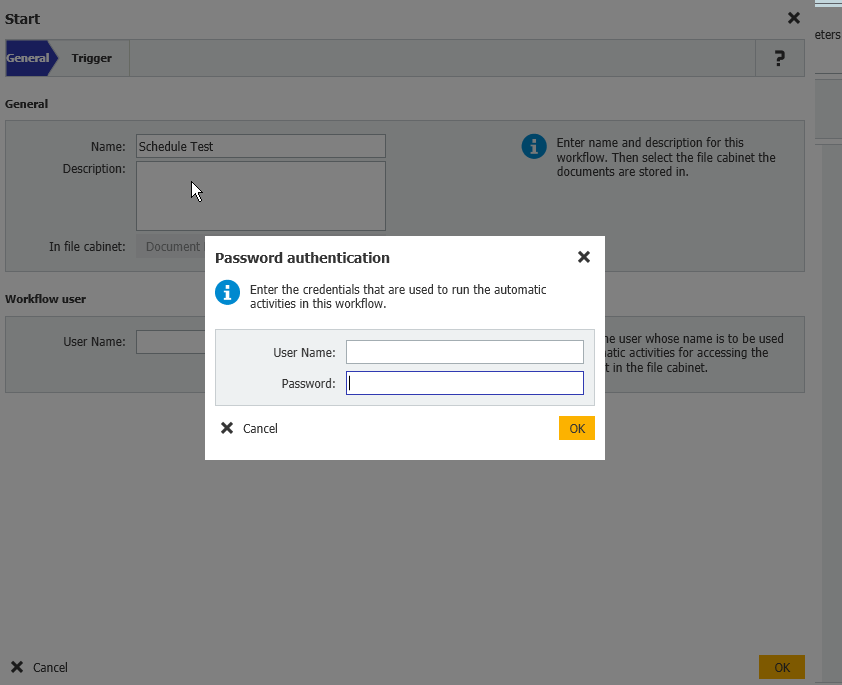
- Once completed, you'll be prompted to enter the username and password.
For DocuWare versions 7.13+:
After selecting Properties, select Authenticate new user.
You will then be redirected to your web browser to enter the username and password.
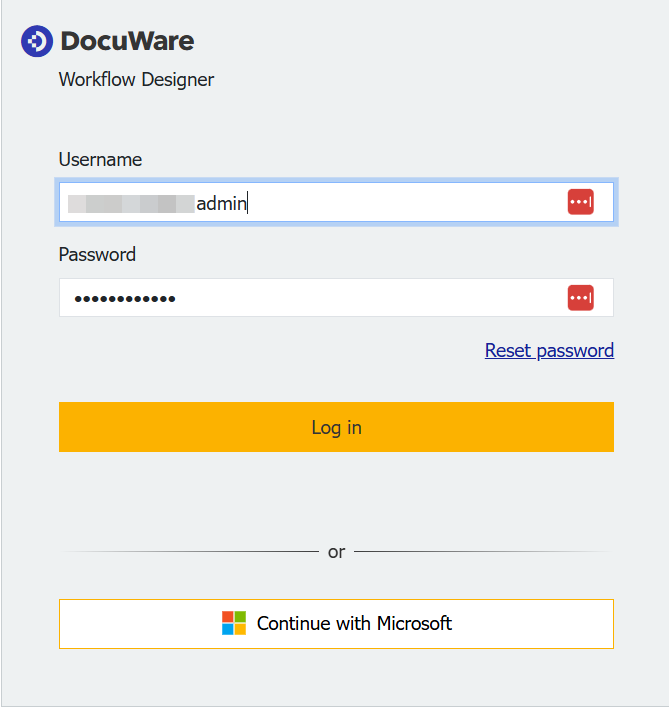
- Once entered, the changes are immediate. There is no need to save and republish the workflow again.
KBA is applicable for both Cloud and On-premise Organizations.